
API Keys
Manage API keys for programmatic access.
Requires the apiKey plugin in your better-auth configuration.
API keys provide programmatic authentication for your application's APIs.
API Keys List
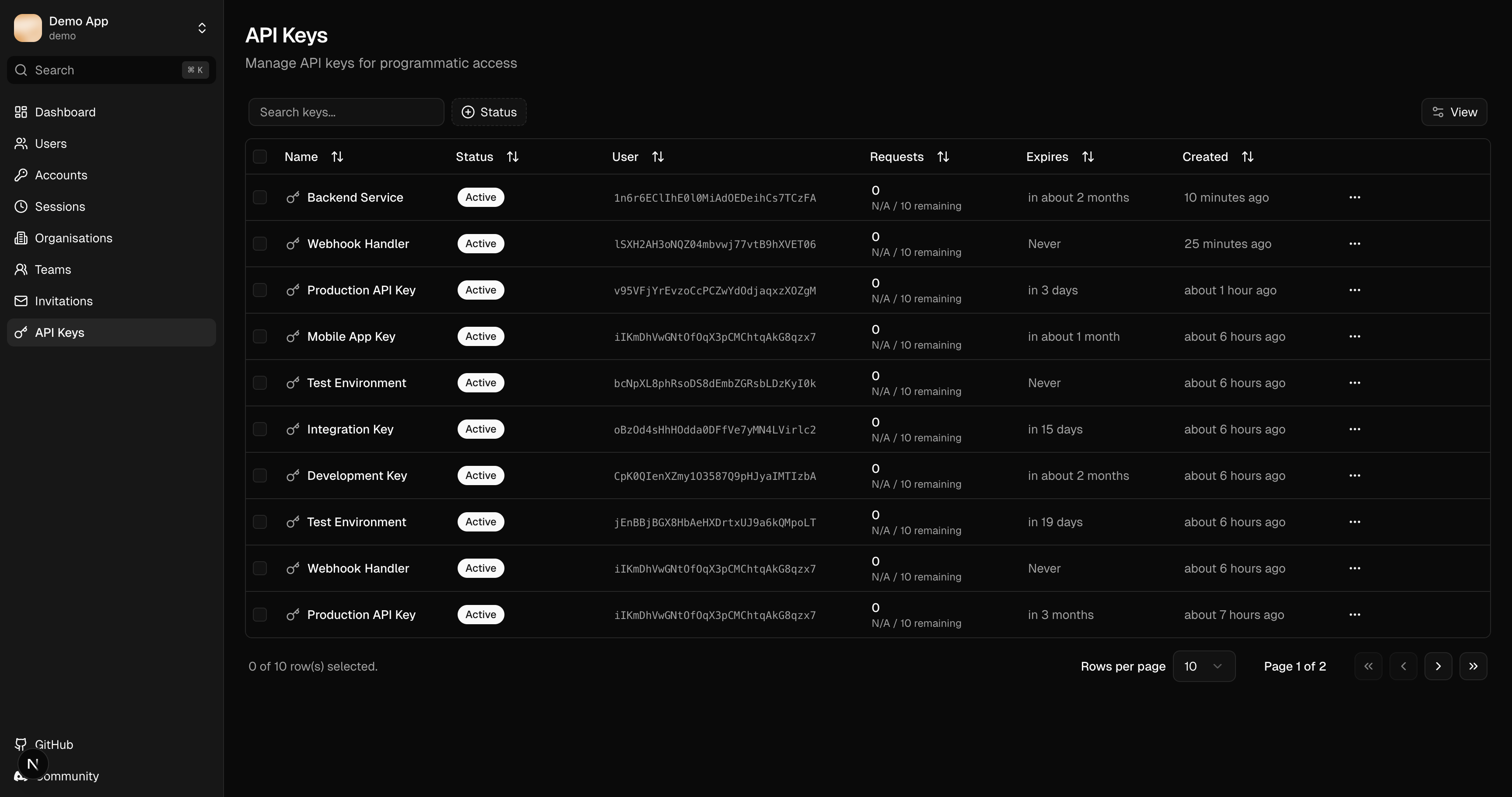
The API keys table displays:
| Column | Description |
|---|---|
| Name | Descriptive key name |
| User | Key owner |
| Status | Enabled or disabled |
| Requests | Total API requests made |
| Last Used | Most recent usage |
| Expires | Expiry date (if set) |
Filtering
- Search: Filter by name or user
- Status filter: Enabled, disabled, expired
- User filter: Filter by owner
API Key Details
Click a key row to view:
- Key name and description
- Owner information
- Key prefix (first characters)
- Status and usage stats
- Rate limit configuration
- Permissions/scopes
- Timestamps
The full API key is only shown once when created. The console only stores a hash for verification.
Actions
Enable/Disable Key
Toggle whether the API key can be used for authentication. Disabled keys are rejected by your API.
Edit Key
Update key metadata:
- Name
- Description
- Expiry date
- Rate limits
Delete Key
Permanently remove the API key. Any applications using this key will lose access.
Usage Statistics
The console tracks:
- Total requests: Lifetime request count
- Last used: Timestamp of most recent request
- Rate limit status: Current rate limit window usage
Enabling API Keys
Add the apiKey plugin to your instance config:
import { apiKey } from "better-auth/plugins";

const auth = betterAuth({
  // ...
  plugins: [
    apiKey(),
  ],
});
Related Features
- Users - View user's API keys
- Plugins - Plugin configuration
- Configuration - Instance setup