
Organisations
Manage organisations and their members.
Requires the organization plugin in your better-auth configuration.
Organisations allow grouping users with shared access to resources.
Organisations List
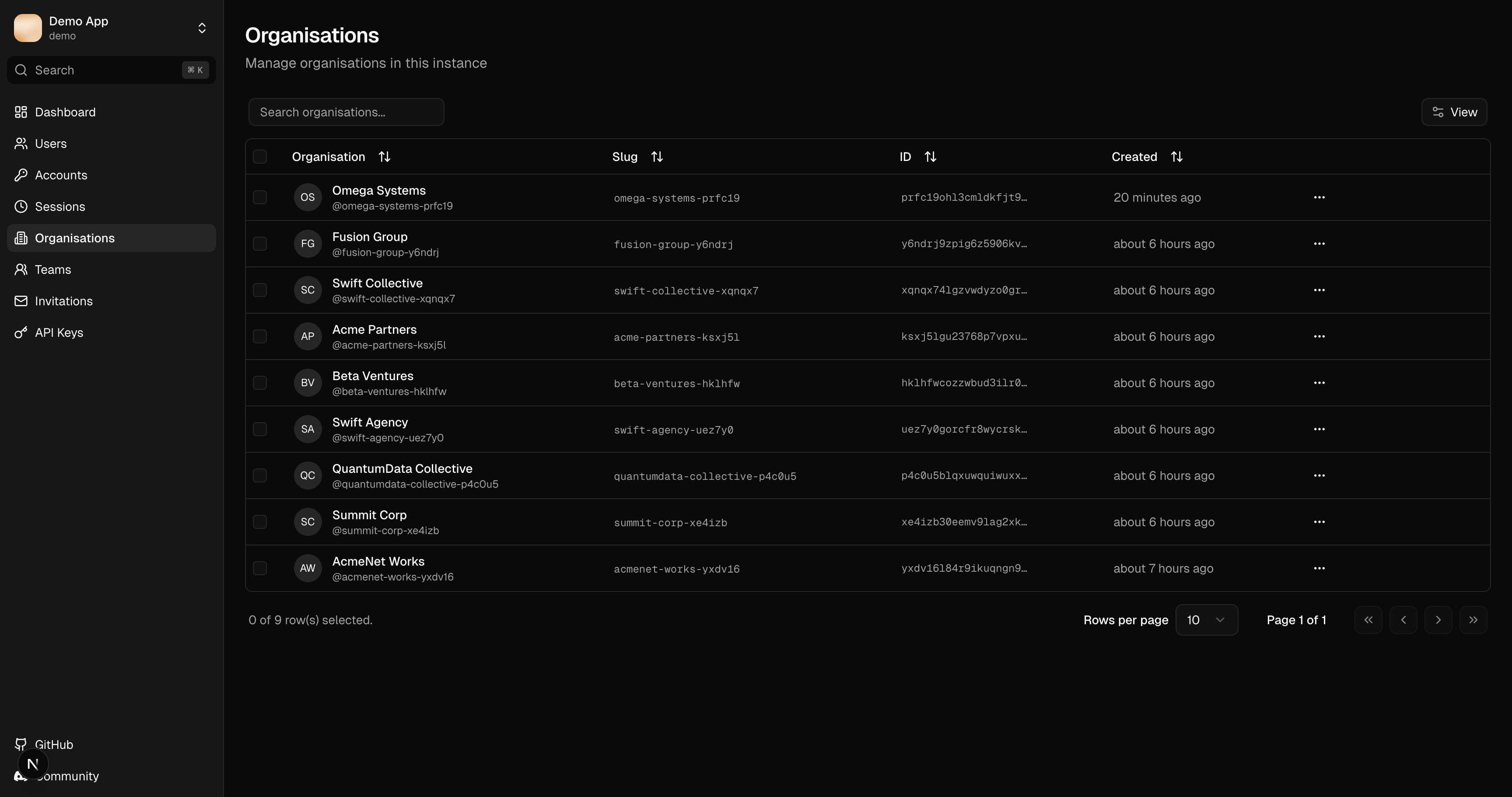
The organisations table displays:
| Column | Description |
|---|---|
| Name | Organisation display name |
| Slug | URL-friendly identifier |
| Members | Number of members |
| Created | Creation date |
Search and Filter
- Search: Filter by name or slug
- Sorting: Click column headers
Organisation Details
Click an organisation row to view:
- Organisation name and slug
- Logo URL
- Member count
- Creation and update timestamps
Actions
Edit Organisation
Update organisation details:
- Name
- Slug
- Logo URL
Delete Organisation
Permanently remove the organisation and all associated:
- Member assignments
- Team structures
- Pending invitations
Deleting an organisation cannot be undone. Members will lose access to organisation resources.
Members
View and manage organisation members:
| Column | Description |
|---|---|
| User | Member's name and email |
| Role | Member role (owner, admin, member) |
| Teams | Assigned teams |
| Joined | Membership date |
Member Roles
- Owner: Full control, can delete organisation
- Admin: Manage members and teams
- Member: Basic access
Remove Member
Remove a user from the organisation. Their account remains active, but they lose access to organisation resources.
Related Features
- Teams - Organise members into sub-groups
- Invitations - Invite new members
- Users - View user organisation memberships
Enabling Organisations
Add the organization plugin to your instance config:
import { organization } from "better-auth/plugins";

const auth = betterAuth({
  // ...
  plugins: [
    organization({ teams: { enabled: true } }),
  ],
});
See Plugins for more configuration options.